0 Results for ""

FracFocus Completions
Full FracFocus data integration for completion tracking on every stimulated well.
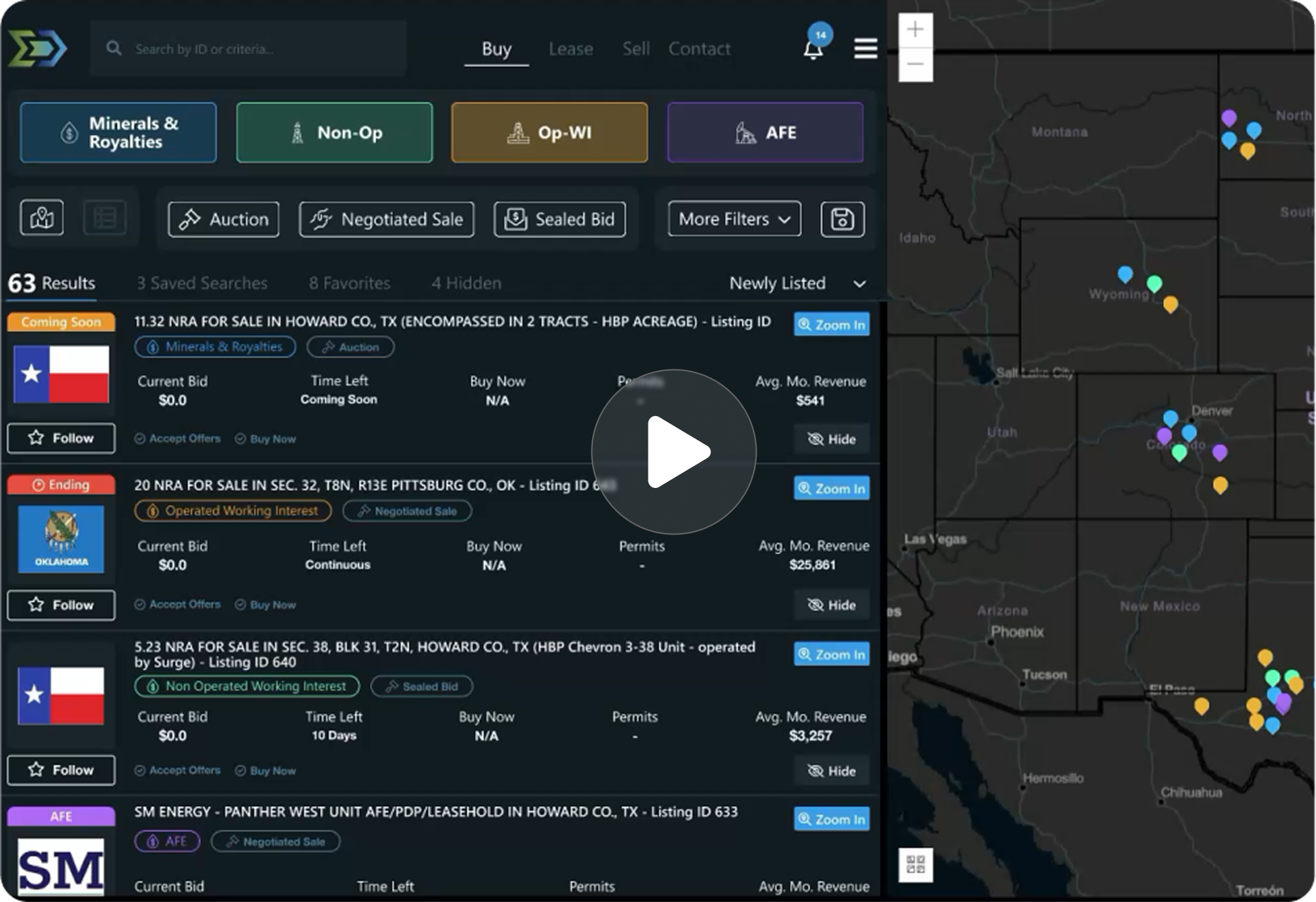
Trusted by operators, non-op buyers, mineral aggregators, and A&D advisors across the upstream market.






Overview
Energy Domain integrates the complete FracFocus Chemical Disclosure Registry dataset, tying completion data directly to well header records via API number.
For upstream analysts, the value extends beyond chemical disclosure. FracFocus filings include job dates, total fluid volumes, proppant volumes, true vertical depth at the point of injection, and well identifiers that confirm completion activity occurred. This data establishes completion timing, validates reported spud-to-completion timelines, and provides completion-level detail that state agencies do not always capture in regulatory filings.
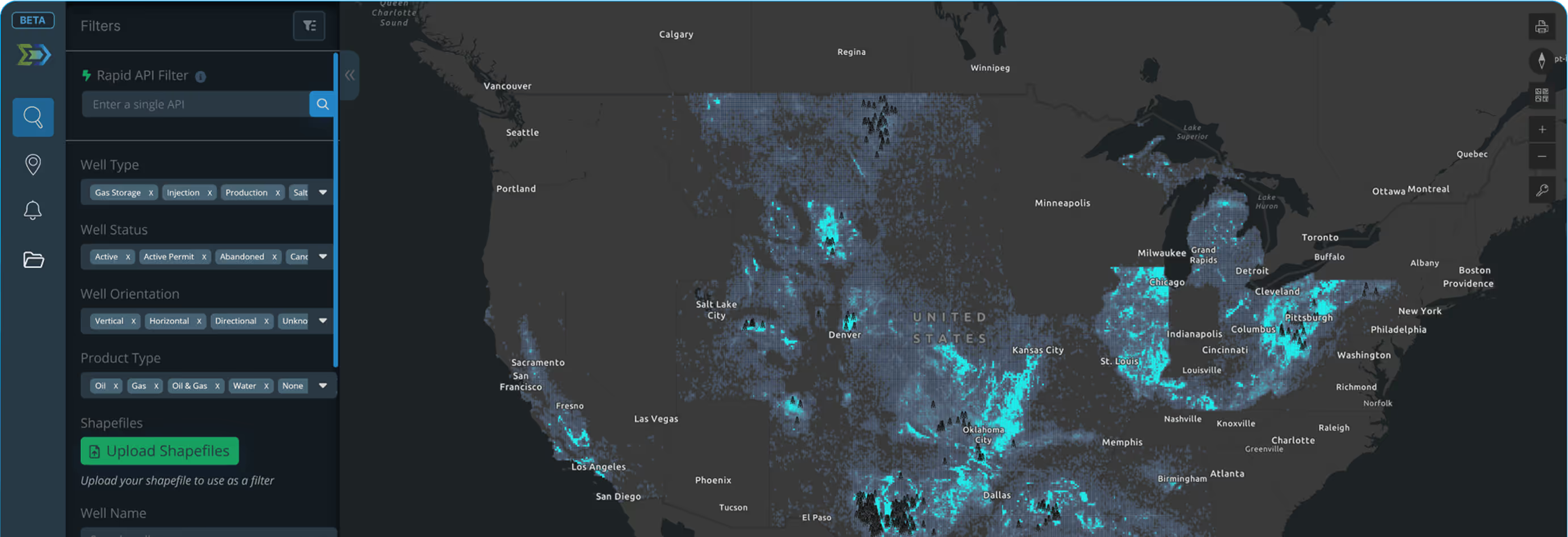
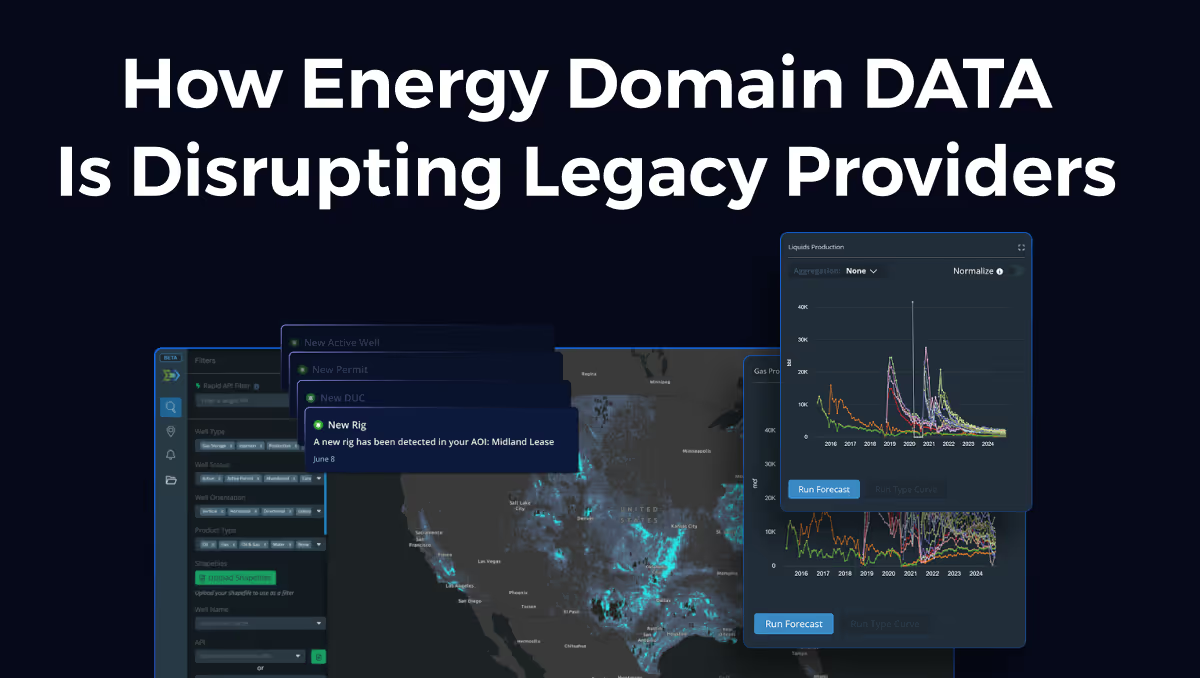
Integration with well headers means you access completion data in context, alongside production, surveys, and allocation data, rather than searching a separate registry.
Key Fields
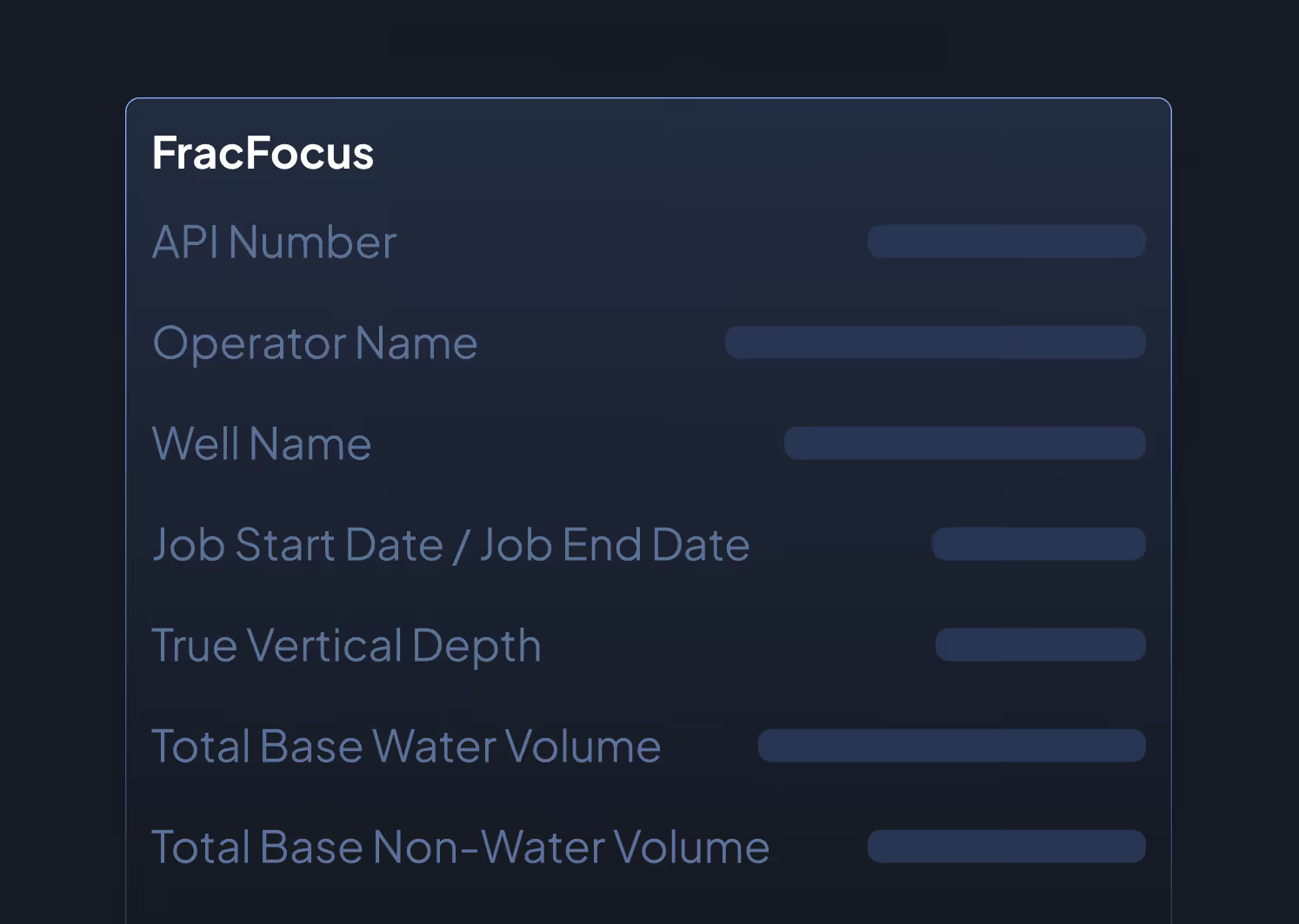
- API Number
- Operator Name
- Well Name
- Job Start Date / Job End Date
- True Vertical Depth (TVD) at injection point
- Total Base Water Volume (gallons)
- Total Base Non-Water Volume (gallons)
- State, County
- Latitude / Longitude
- Federal Well Indicator (yes/no)
- Indian Well Indicator (yes/no)
Data Sources & Update Frequency
Sourced from the FracFocus Chemical Disclosure Registry (fracfocus.org), a joint project of the Ground Water Protection Council and the Interstate Oil and Gas Compact Commission. Updated as operators file new disclosures, typically within 30 to 60 days of completion.
Who Uses This
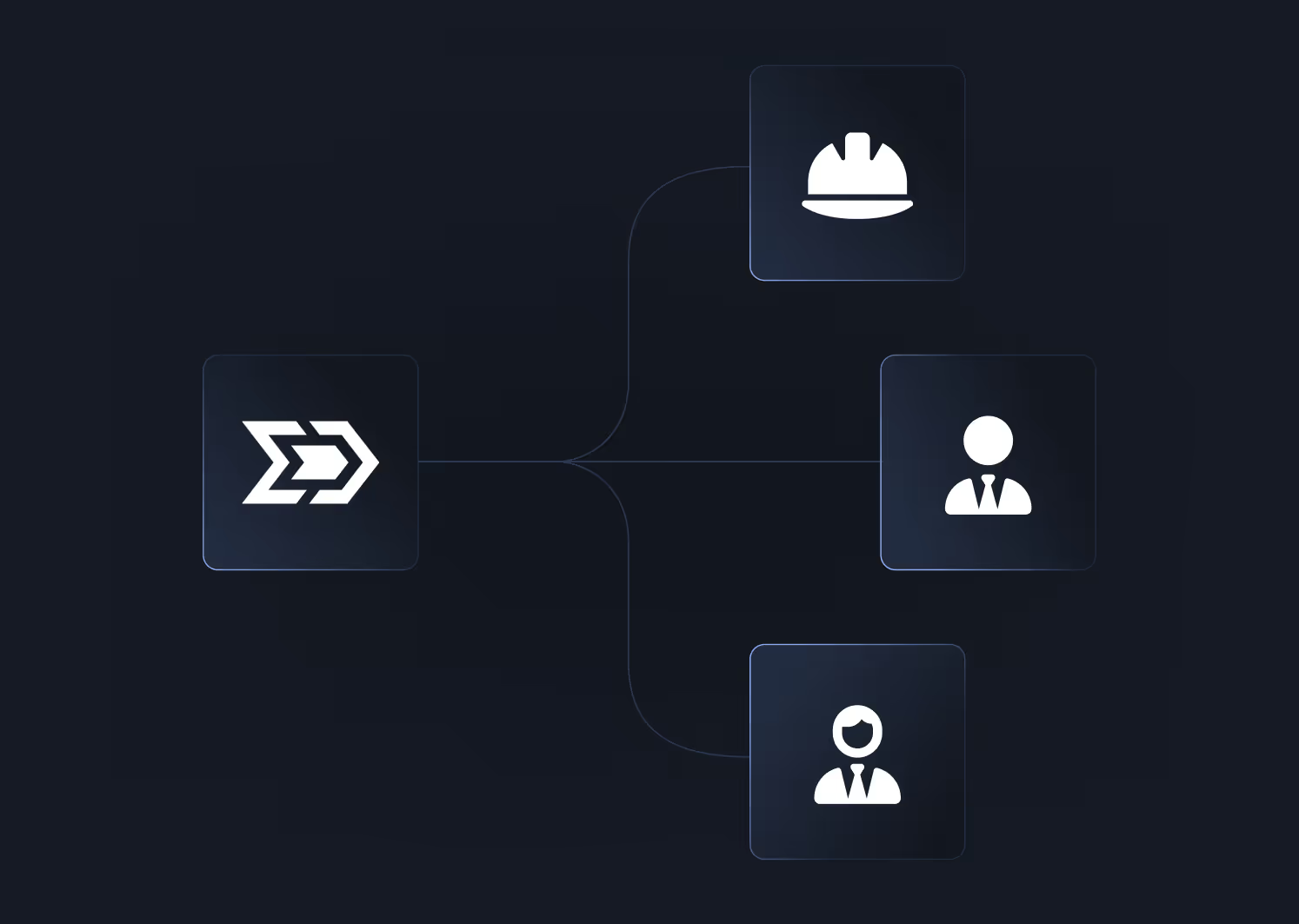
Engineers confirm completion dates, estimate fluid and proppant loading per lateral foot, and compare completion designs across offset wells when building analog sets.
Land Teams use job dates to confirm stimulation activity, relevant for continuous drilling clause compliance and HBP status validation.
Environmental and Regulatory Teams reference FracFocus data for chemical disclosure reporting, regulatory compliance documentation, and stakeholder communications.
Acquirers validate operator-reported completion timelines and identify wells that may have been completed but not yet placed on production (DUC identification).
Why It Matters
Completion data fills the gap between a well being drilled and a well producing. State agencies track permits, spuds, and production, but completion detail is often sparse or delayed in regulatory filings. FracFocus integration provides the operational timeline and job-level detail that connects drilling activity to production onset, directly within the platform.


.png)










© 2026 Energy Domain · Fort Worth, TX