0 Results for ""

Operator & Reservoir Aliasing
Unified naming across inconsistent state and operator reporting.
Trusted by operators, non-op buyers, mineral aggregators, and A&D advisors across the upstream market.






Overview
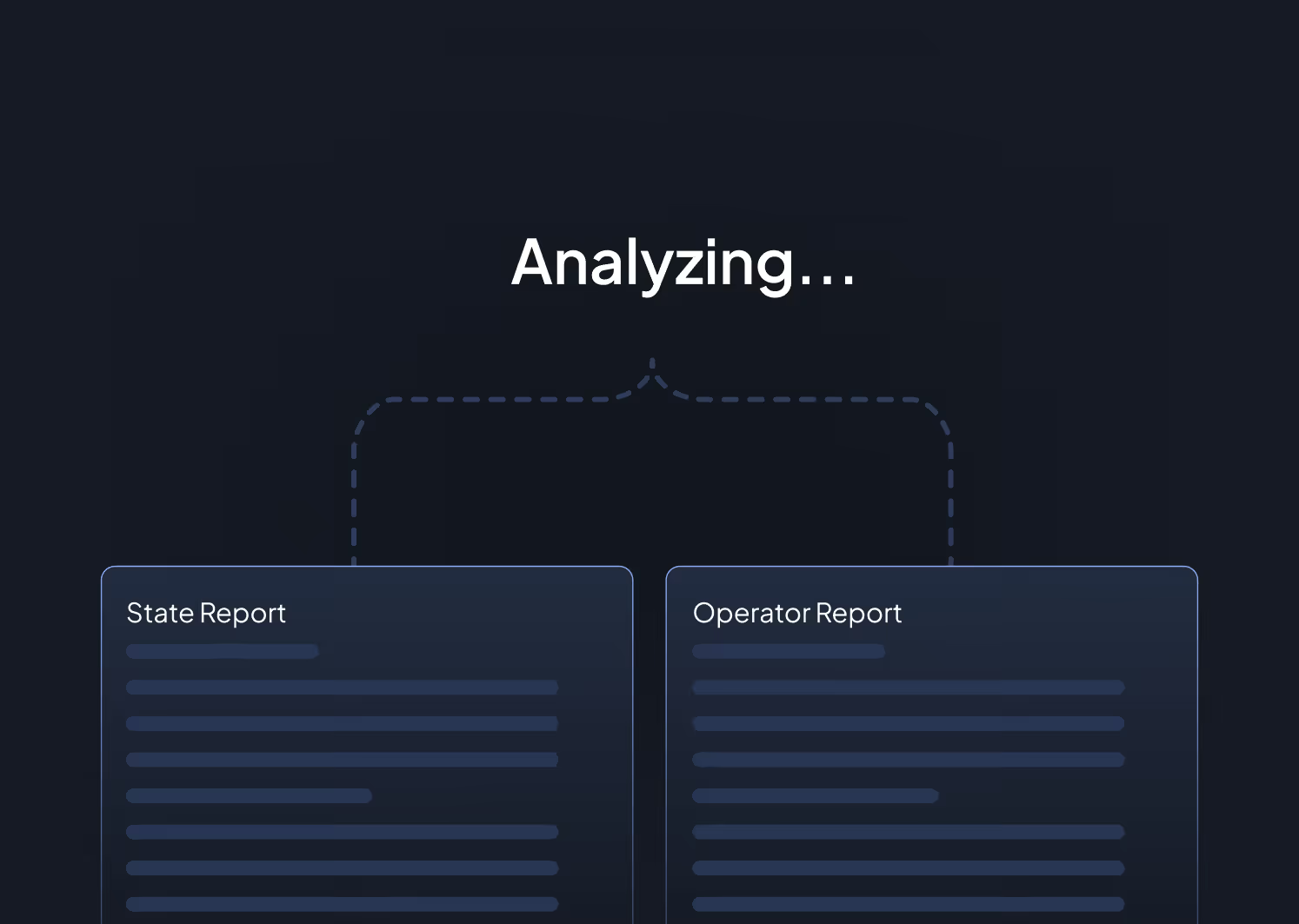
State regulatory data is full of naming inconsistencies. The same operator might appear as “Pioneer Natural Resources USA Inc,” “Pioneer Natural Resources,” “Pioneer Nat Res,” and “PNR USA” across different filings. The same reservoir might be reported as “Wolfcamp,” “Wolfcamp A,” “Wolf Camp,” or “Wlfcmp” depending on who filed and when.
Energy Domain’s aliasing engine resolves these inconsistencies by mapping all known variants of an operator name or reservoir name to a single canonical identifier. When you filter by “Pioneer Natural Resources,” you get every Pioneer well regardless of how the name was filed. When you filter by “Wolfcamp A,” you get Wolfcamp A wells, not a mix of undifferentiated and misspelled variants.
This is not cosmetic cleanup. Inconsistent naming corrupts every analysis that depends on grouping: operator performance benchmarks, formation-level type curves, basin activity counts, and portfolio reporting. Aliasing is the normalization layer that makes aggregation reliable.
Key Fields
- Canonical Operator Name
- Operator Aliases (all known variants)
- State-Reported Operator Name (original)
- Canonical Reservoir / Formation Name
- Reservoir Aliases (all known variants)
- State-Reported Reservoir Name (original)
- Alias Resolution Confidence
Data Sources & Update Frequency
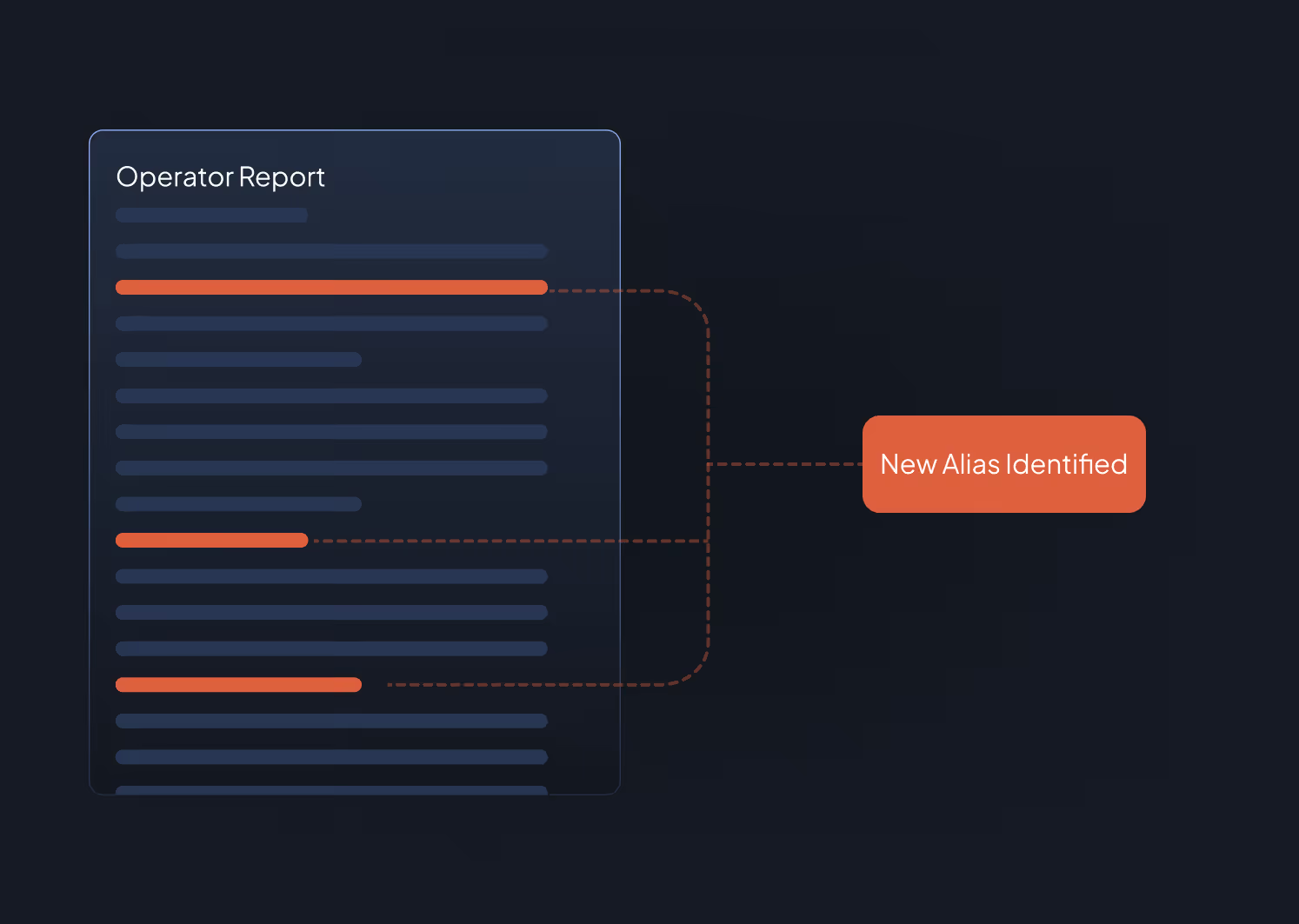
Built and maintained through automated pattern matching and manual expert review. New aliases are identified and resolved as new regulatory filings introduce previously unseen naming variants. Applied across all datasets in the platform.
Who Uses This
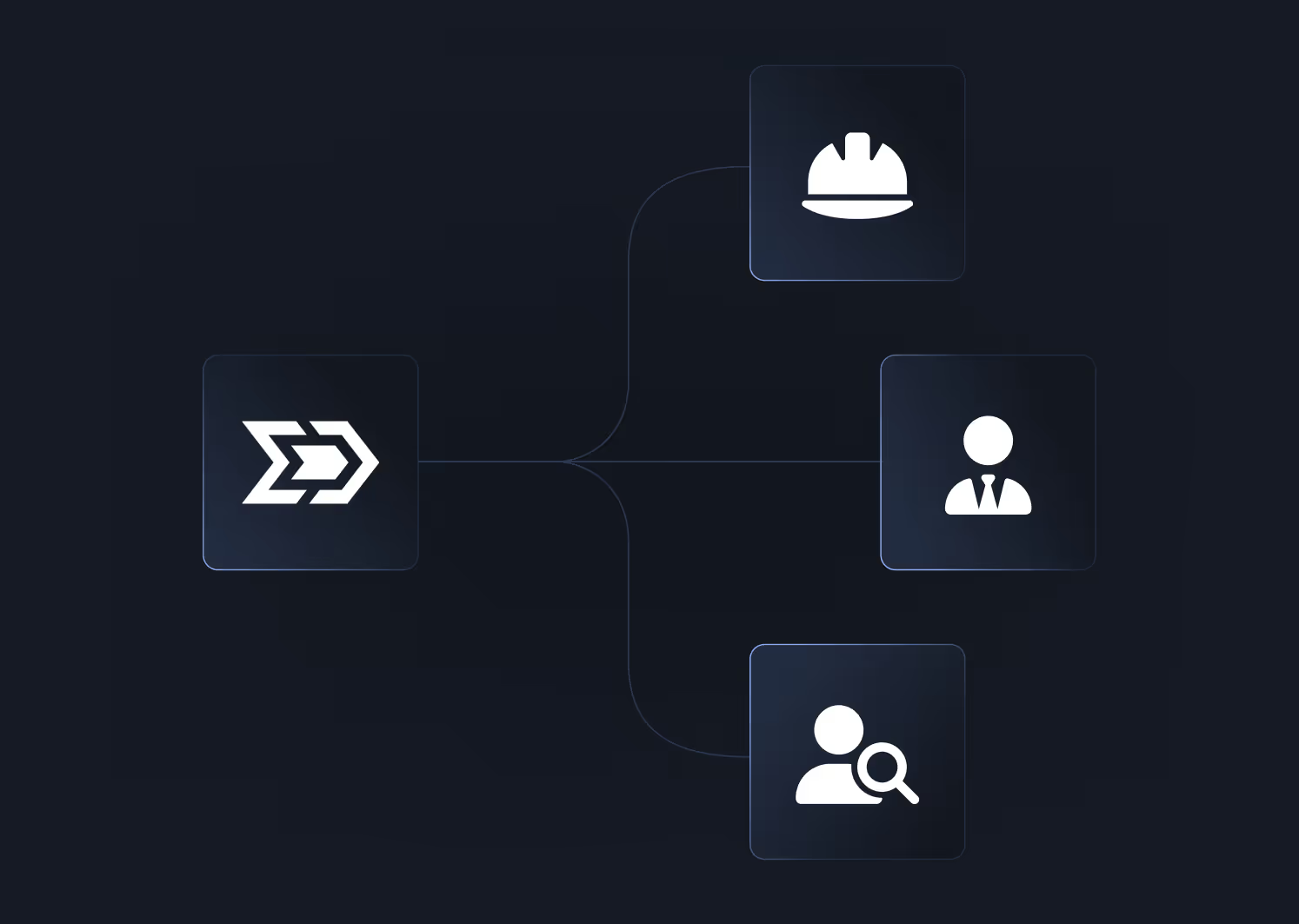
Engineers building type curves need confidence that every well in their analog set is from the same operator or formation. Aliasing ensures grouping does not silently exclude wells due to naming variants.
Analysts running operator activity reports or basin-level statistics need consistent naming to produce accurate counts. Without aliasing, a single operator might appear as three separate entities in a county-level summary.
Data Integration Teams exporting to internal databases, BI tools, or Snowflake benefit from pre-normalized naming that eliminates a common ETL cleanup step.
Portfolio Managers reporting on assets by operator or formation need consistent naming to avoid double-counting or miscategorization in investor reports.
Why It Matters
You cannot analyze what you cannot group. If your operator filter misses 15% of an operator’s wells because of naming variants, your type curve is wrong, your activity count is wrong, and your competitive intelligence is incomplete. Energy Domain handles aliasing at the infrastructure level so you do not have to build and maintain your own alias tables.


.png)














© 2026 Energy Domain · Fort Worth, TX