0 Results for ""

BI Tool Integrations
Connect Energy Domain data to Spotfire, Tableau, Power BI, and your internal analytics stack.
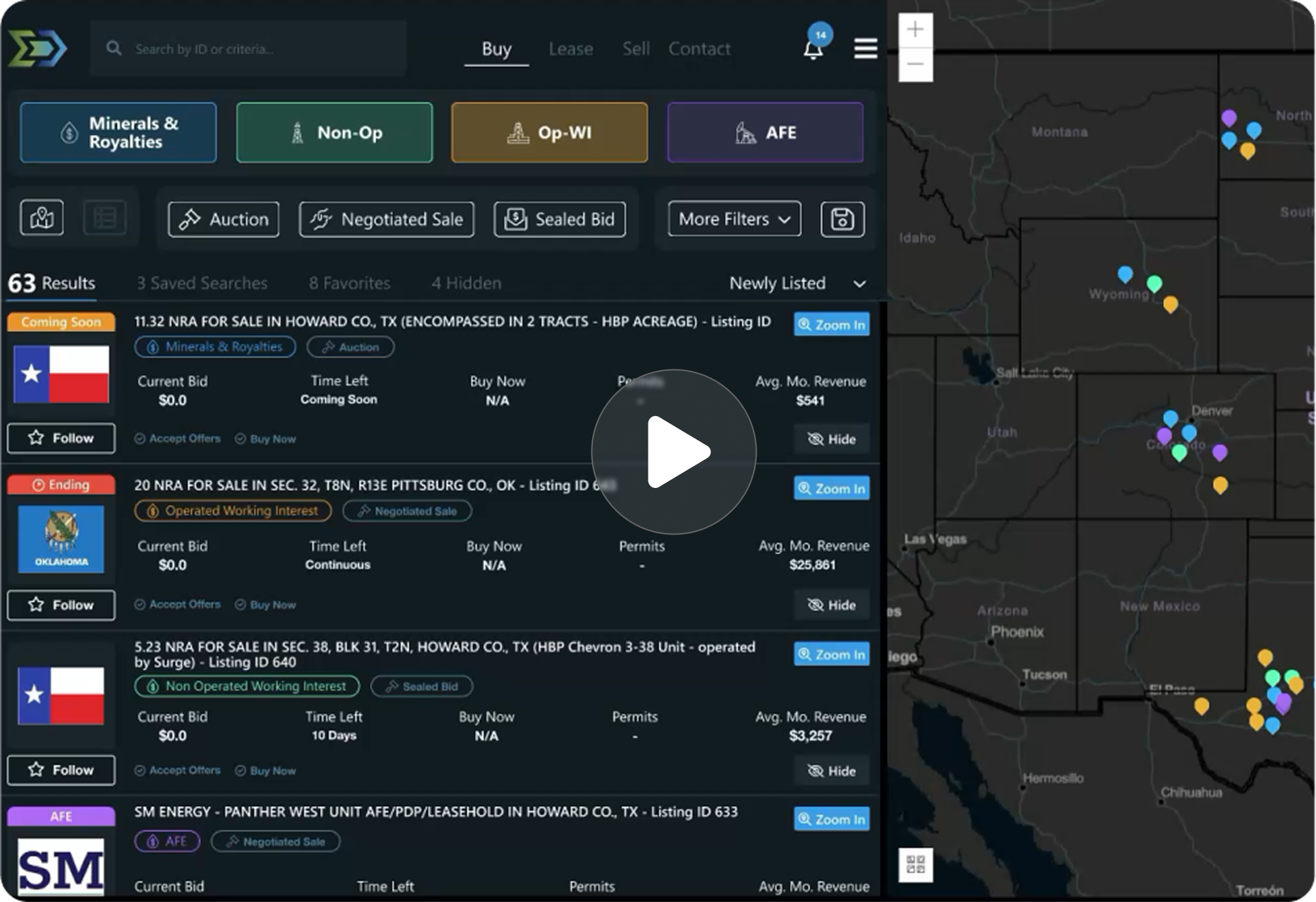
Trusted by operators, non-op buyers, mineral aggregators, and A&D advisors across the upstream market.






Overview
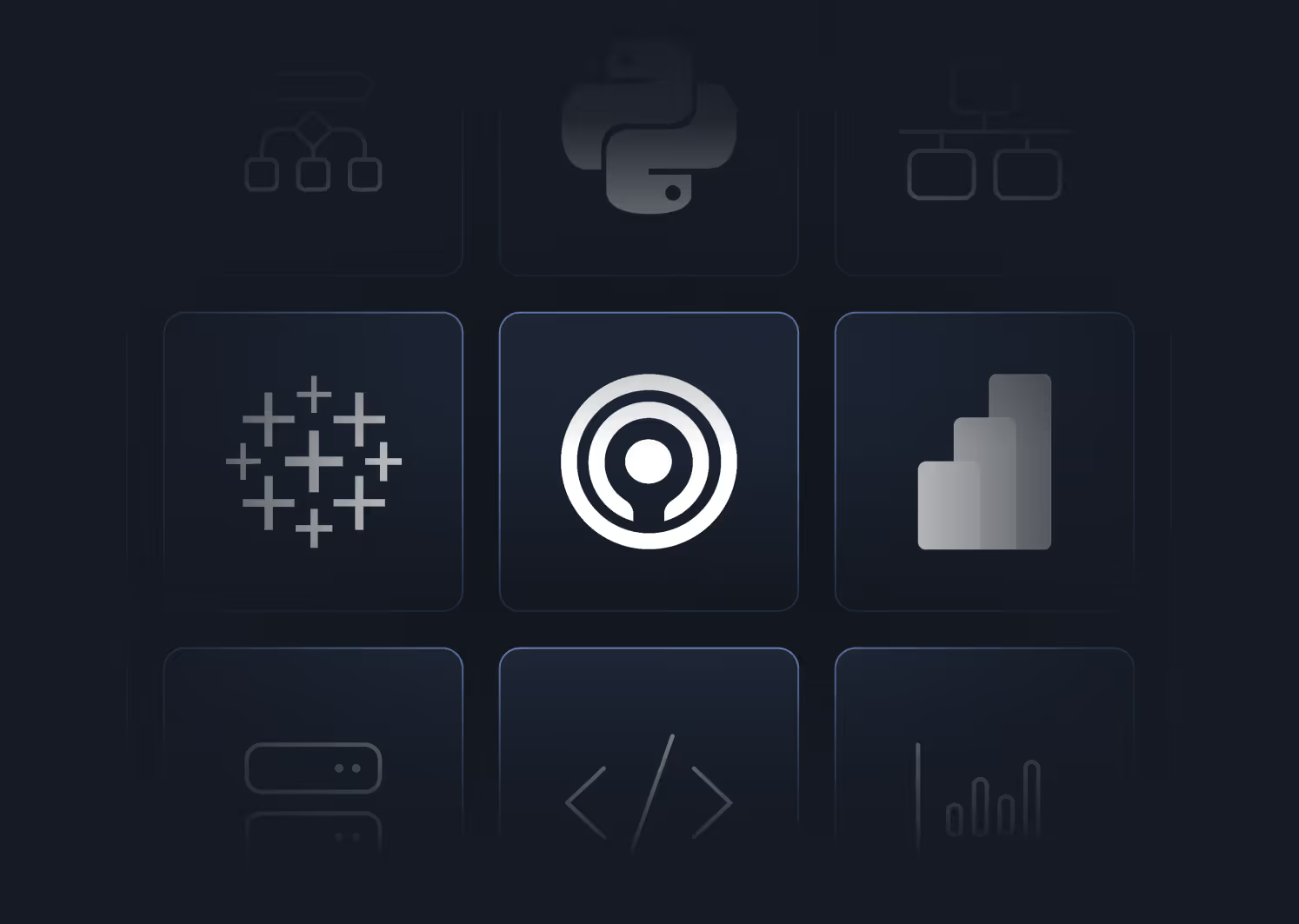
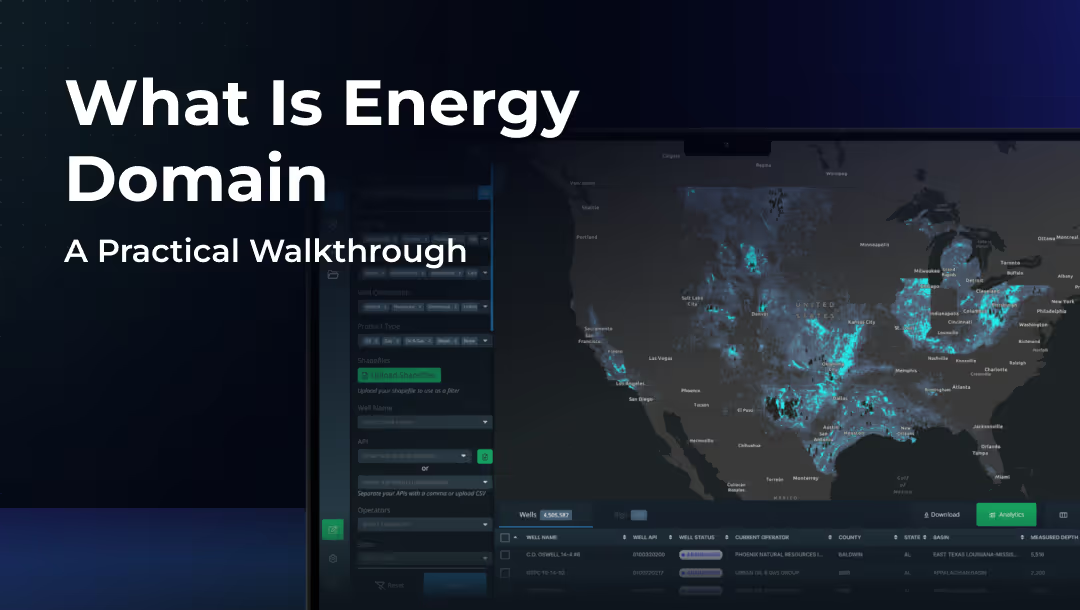
Energy Domain is built to integrate with the analytical tools upstream teams already use. Through DataStream Direct (JDBC/API) and the upcoming Snowflake Integration, every dataset in your subscription can flow directly into Spotfire, Tableau, Power BI, or any JDBC-compatible platform without manual data handling.
The upstream industry runs on Spotfire. Energy Domain’s DataStream Direct connector was built with Spotfire compatibility as a primary design requirement. Engineers can connect Spotfire workbooks directly to their Energy Domain subscription, query well headers, production, allocations, surveys, and derived datasets using standard SQL, and build custom analyses on live data. No more monthly CSV downloads and column reformatting.
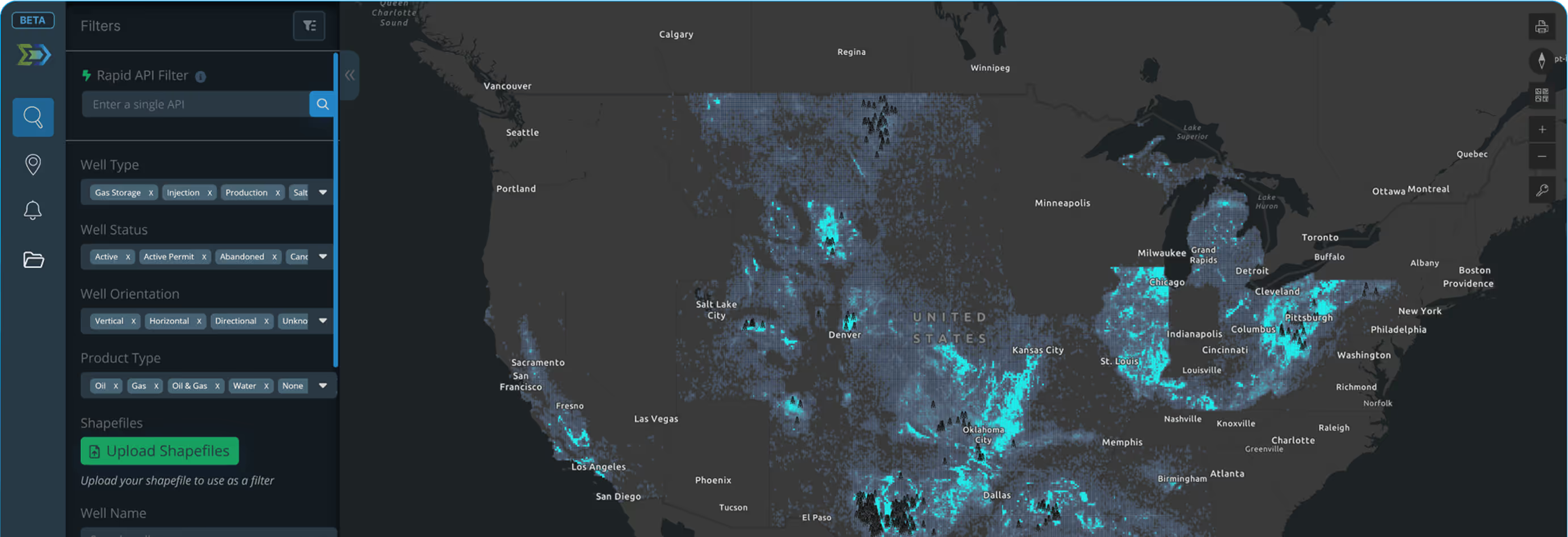
For teams using Tableau or Power BI for executive reporting, portfolio dashboards, or operational monitoring, the same JDBC connection delivers Energy Domain data into scheduled refreshes and live dashboards. The data model is consistent across all access methods: the same tables, the same fields, the same update cadence whether you are working in the Data Application, Spotfire, or Tableau.
For organizations with custom internal tools, proprietary databases, or Python/R-based analytical workflows, the JDBC connector provides programmatic access to query and pull data on any schedule.
Key Capabilities
- Spotfire: direct JDBC connection for workbooks and custom analyses
- Tableau: scheduled and live data source connections for dashboards
- Power BI: JDBC connectivity for reports and operational dashboards
- Custom tools: any JDBC-compatible application, database, or script
- Python/R: programmatic data access through JDBC drivers
- Consistent data model across all access methods
- Subscription-scoped access (query only what you subscribe to)
- No per-tool licensing or per-connection fees from Energy Domain
Who Uses This
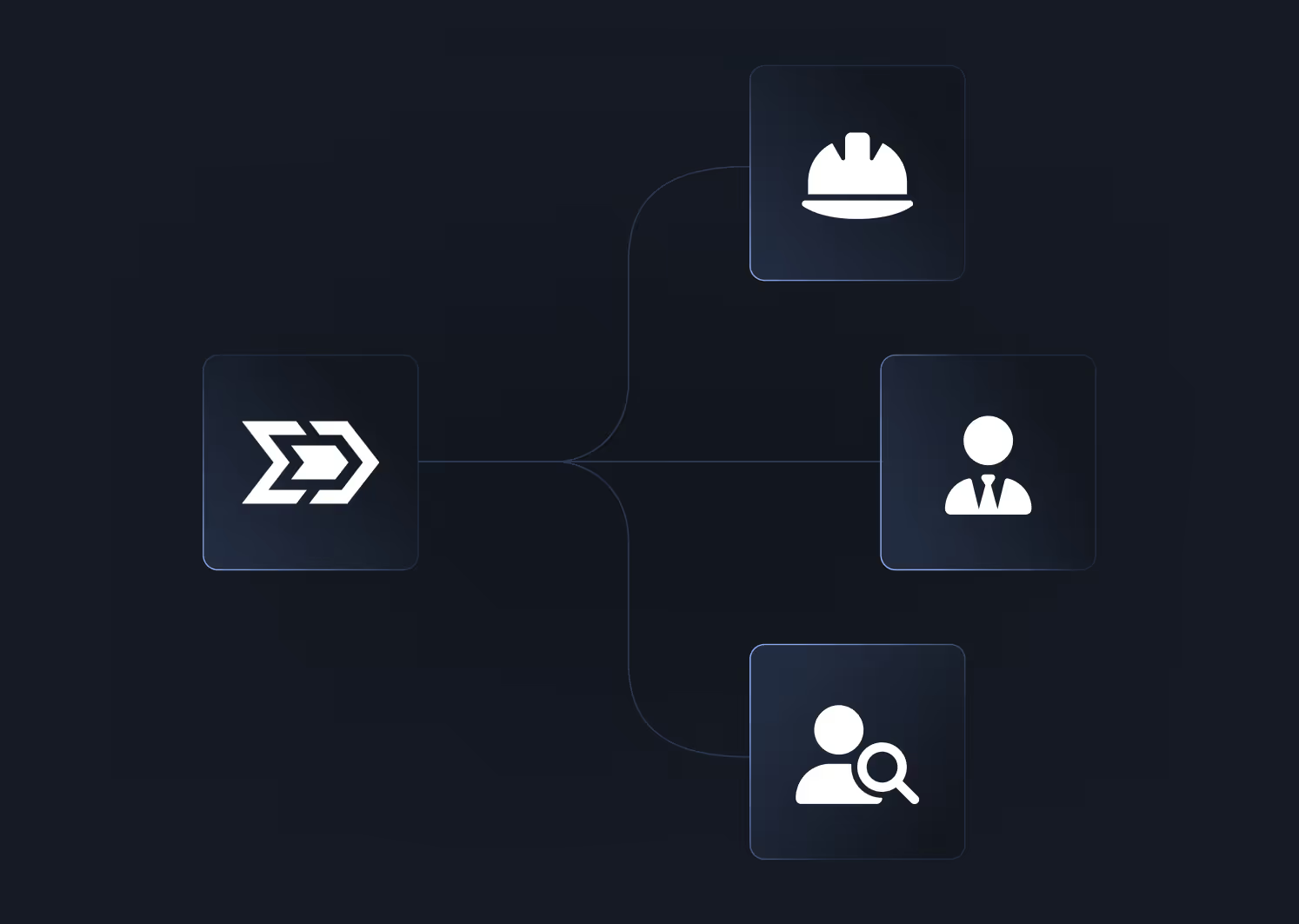
Engineers using Spotfire connect directly to well-level production, allocations, and directional surveys to build custom mapping, decline analysis, and well comparison workbooks on live Energy Domain data.
Executive teams using Tableau/Power BI build portfolio dashboards, basin activity summaries, and operational reports that refresh automatically from Energy Domain’s data without manual intervention.
Data engineering teams integrate Energy Domain into internal data pipelines, ETL workflows, and proprietary databases using standard JDBC connections, maintaining a single source of truth for upstream data.
Analysts using Python or R query Energy Domain datasets programmatically for custom statistical analysis, machine learning workflows, or automated reporting scripts.
Why It Matters
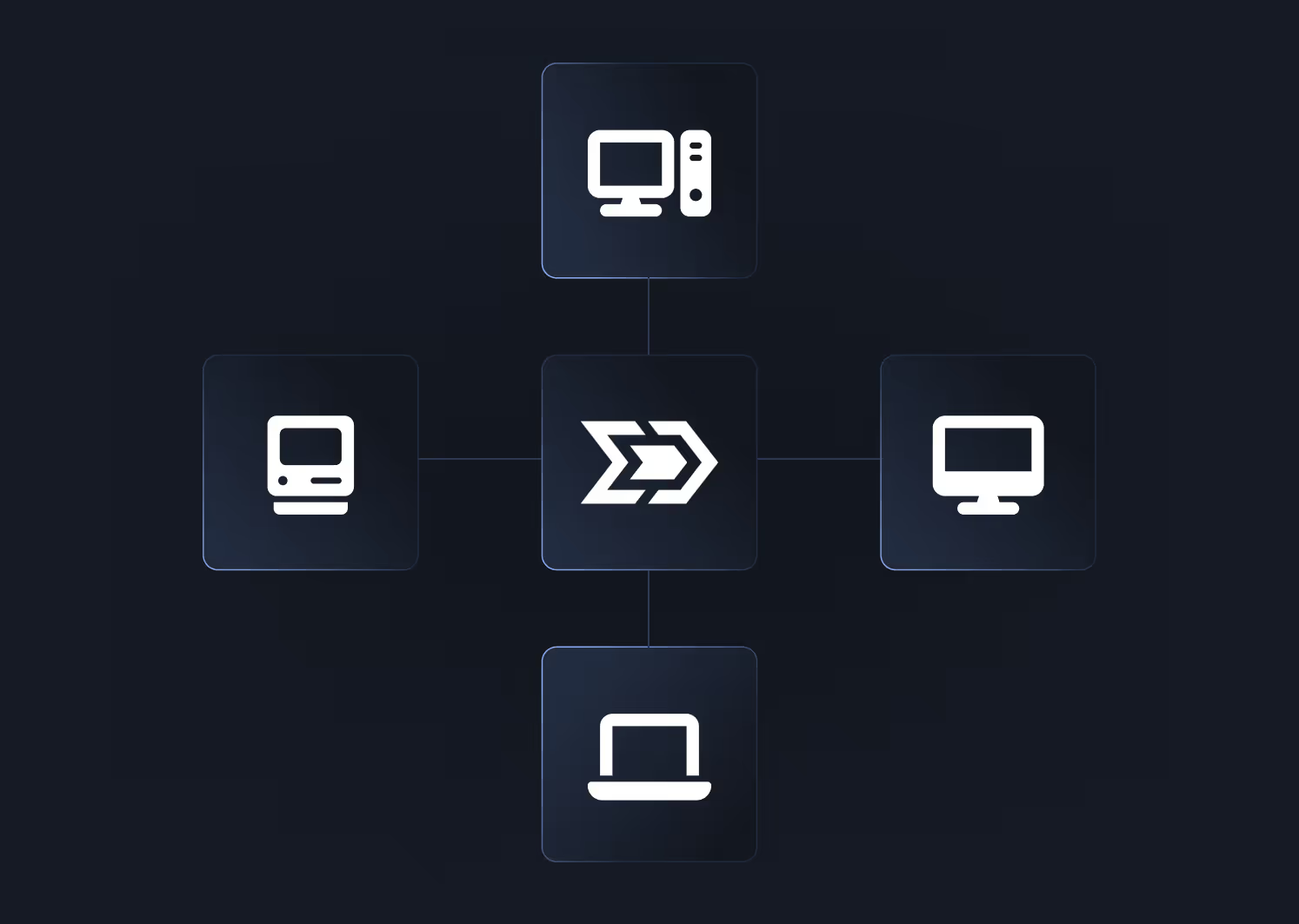
Energy Domain is not trying to replace Spotfire, Tableau, or your internal tools. The platform provides the data layer and the interactive application for screening and evaluation. When you need to take that data into your existing analytical environment, DataStream Direct and Snowflake Integration make it available without friction. One subscription, every access method, no additional fees.


.png)












© 2026 Energy Domain · Fort Worth, TX