0 Results for ""

Pre-Permits (Submitted Permits)
See where operators plan to drill before permits are officially approved.
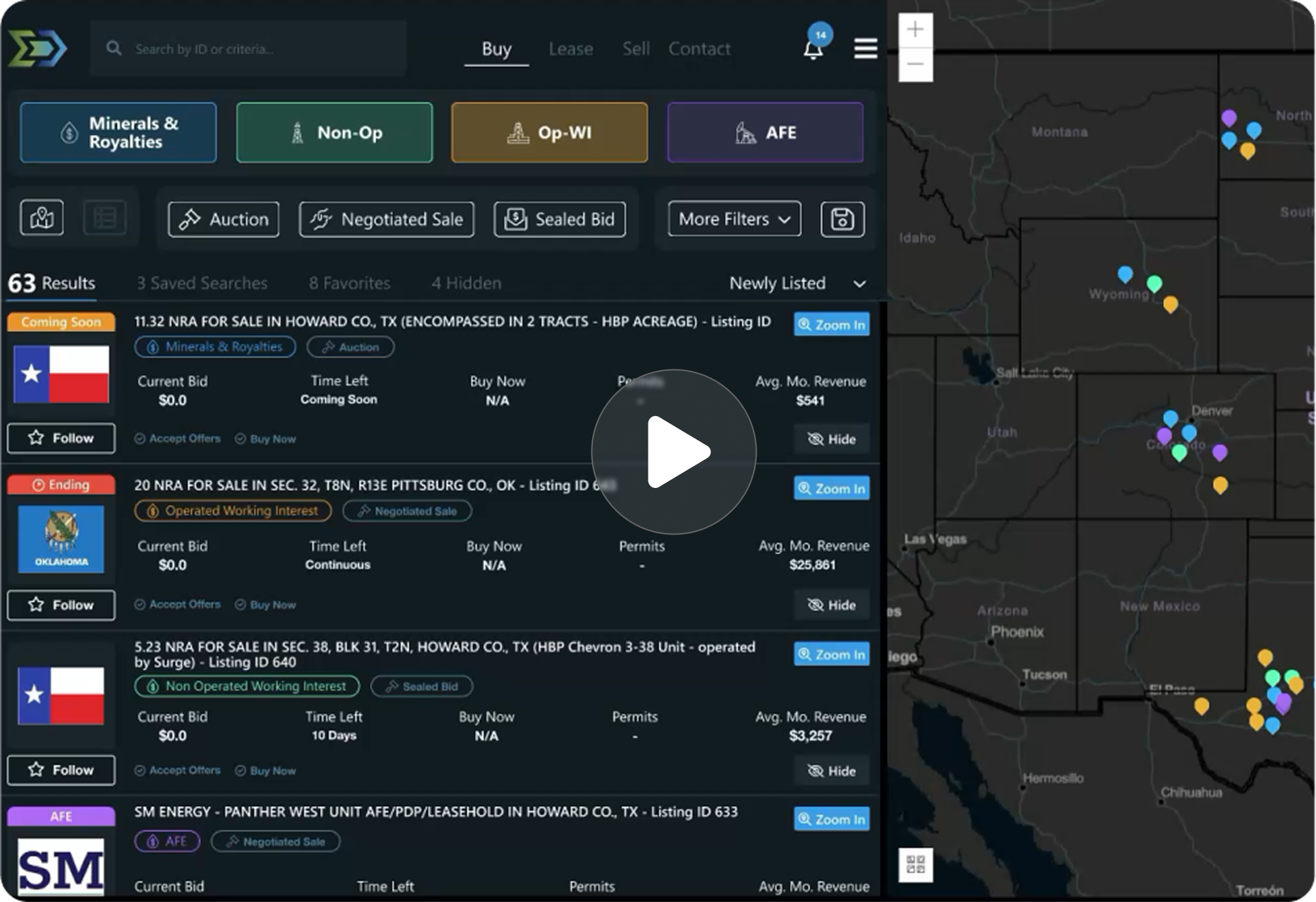
Trusted by operators, non-op buyers, mineral aggregators, and A&D advisors across the upstream market.






Overview
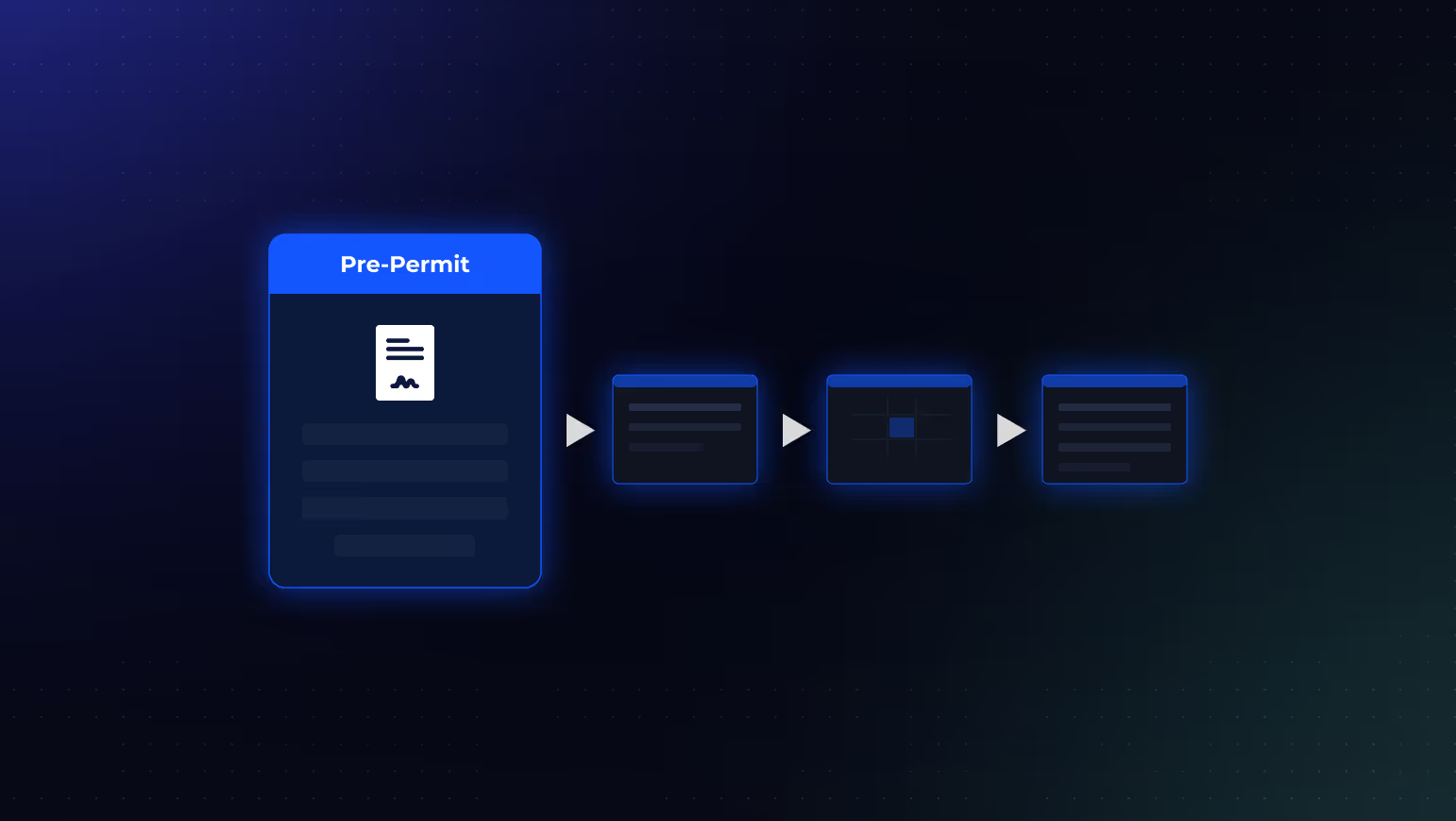
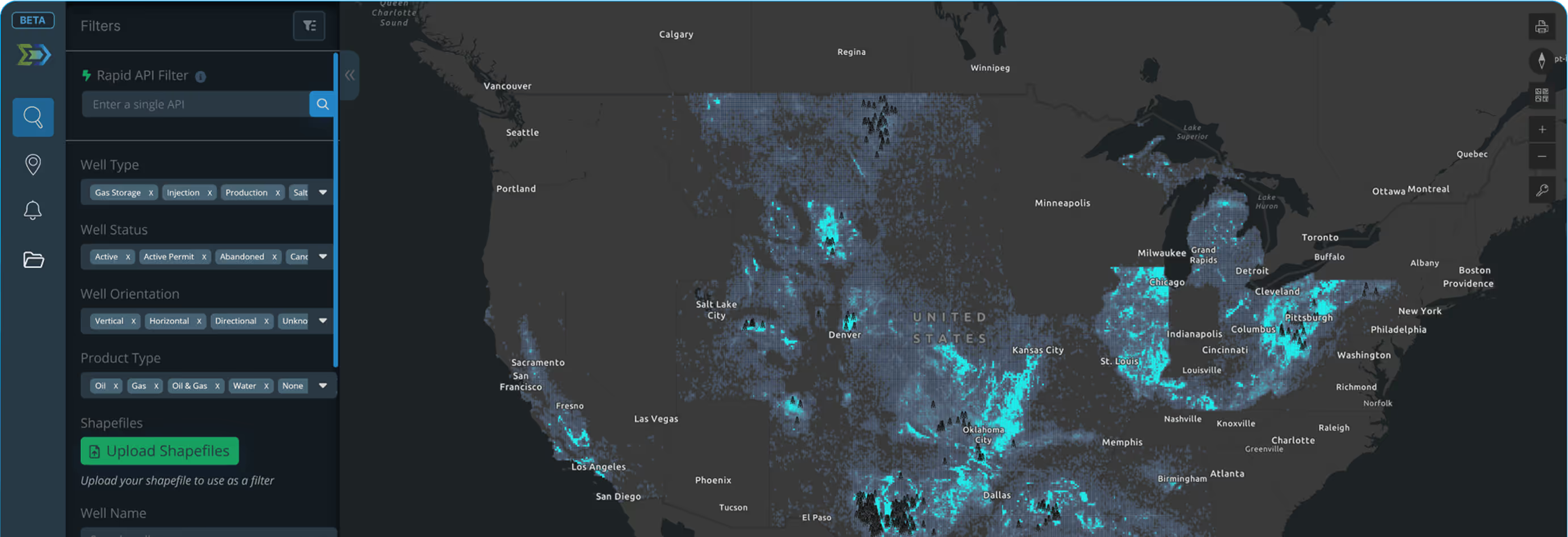
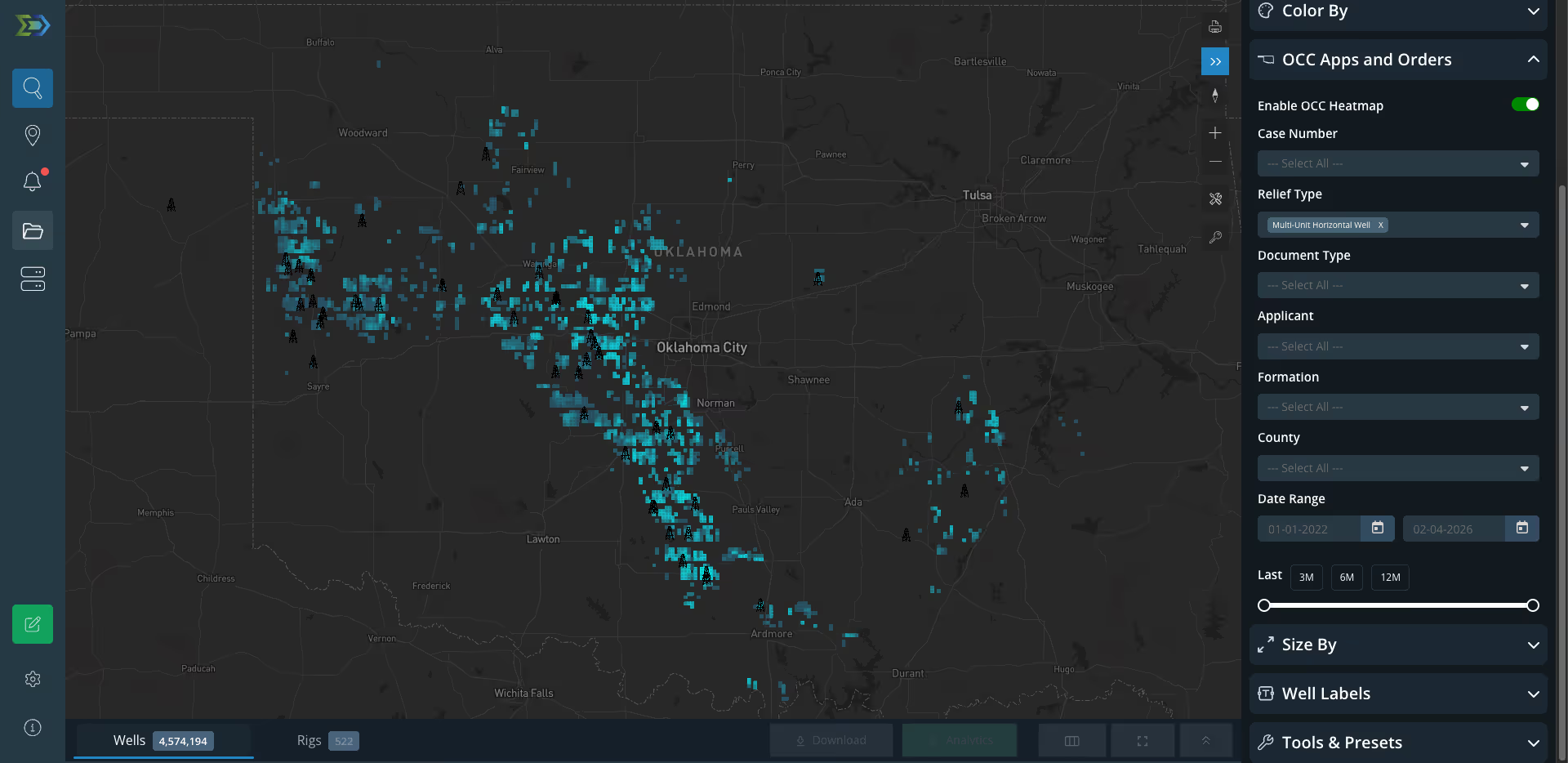
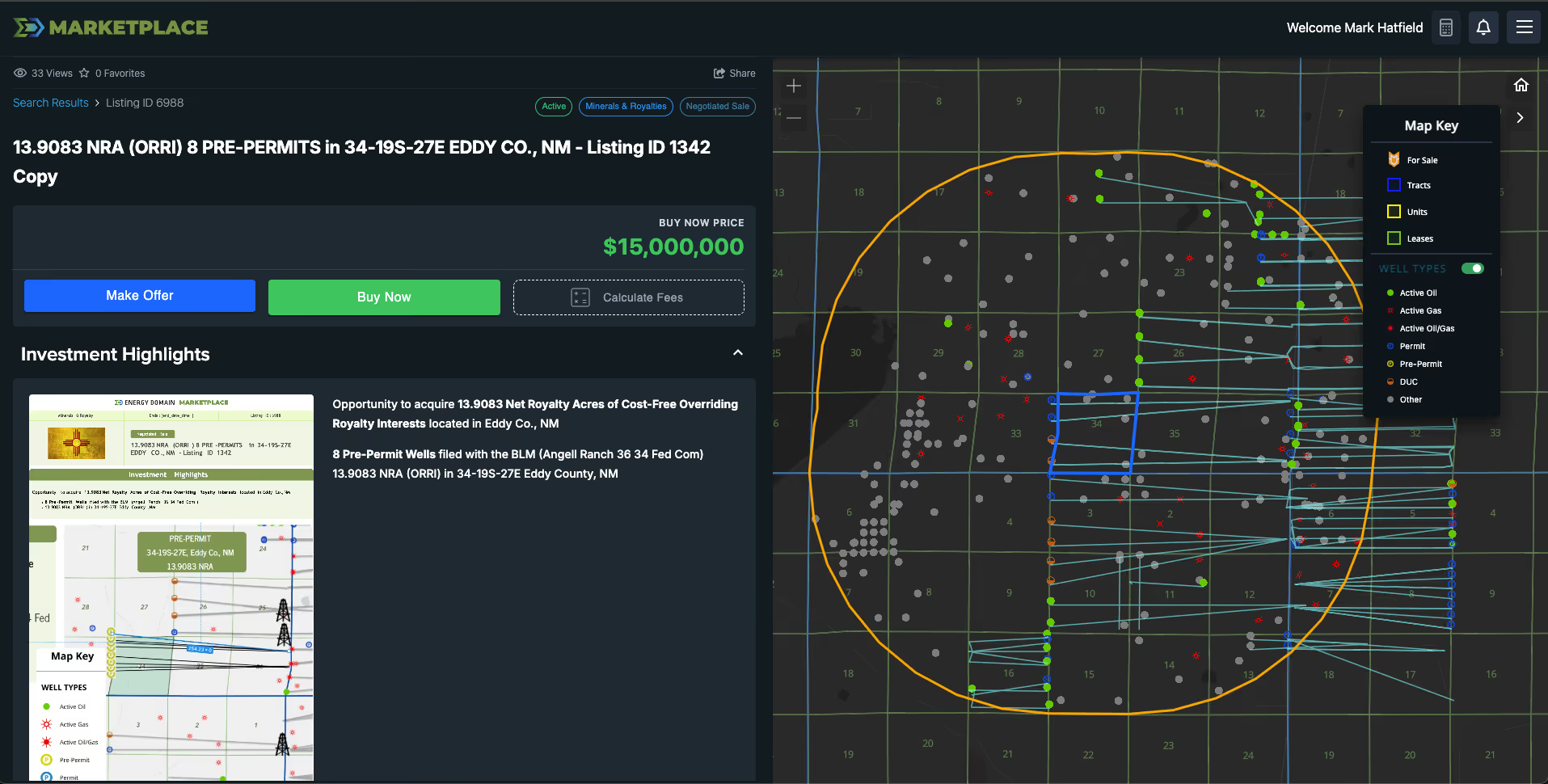
Pre-permits represent drilling permit applications submitted to state regulatory agencies that have not yet been formally approved. In the platform, pre-permits appear alongside active permits, DUCs, and producing wells, providing the earliest available signal of an operator’s development intentions in a specific area.
This dataset captures initial filing data: operator, proposed well name, location, target formation, and submission date. While not every pre-permit results in an approved permit, and not every approved permit results in a drilled well, pre-permits represent the front edge of the development pipeline.
Pre-permit data is particularly valuable in competitive land situations where weeks matter. Knowing that an operator has submitted a permit application in a section adjacent to your mineral position gives you time to act, whether that means accelerating a lease acquisition, adjusting a bid, or reaching out to the operator about participation.
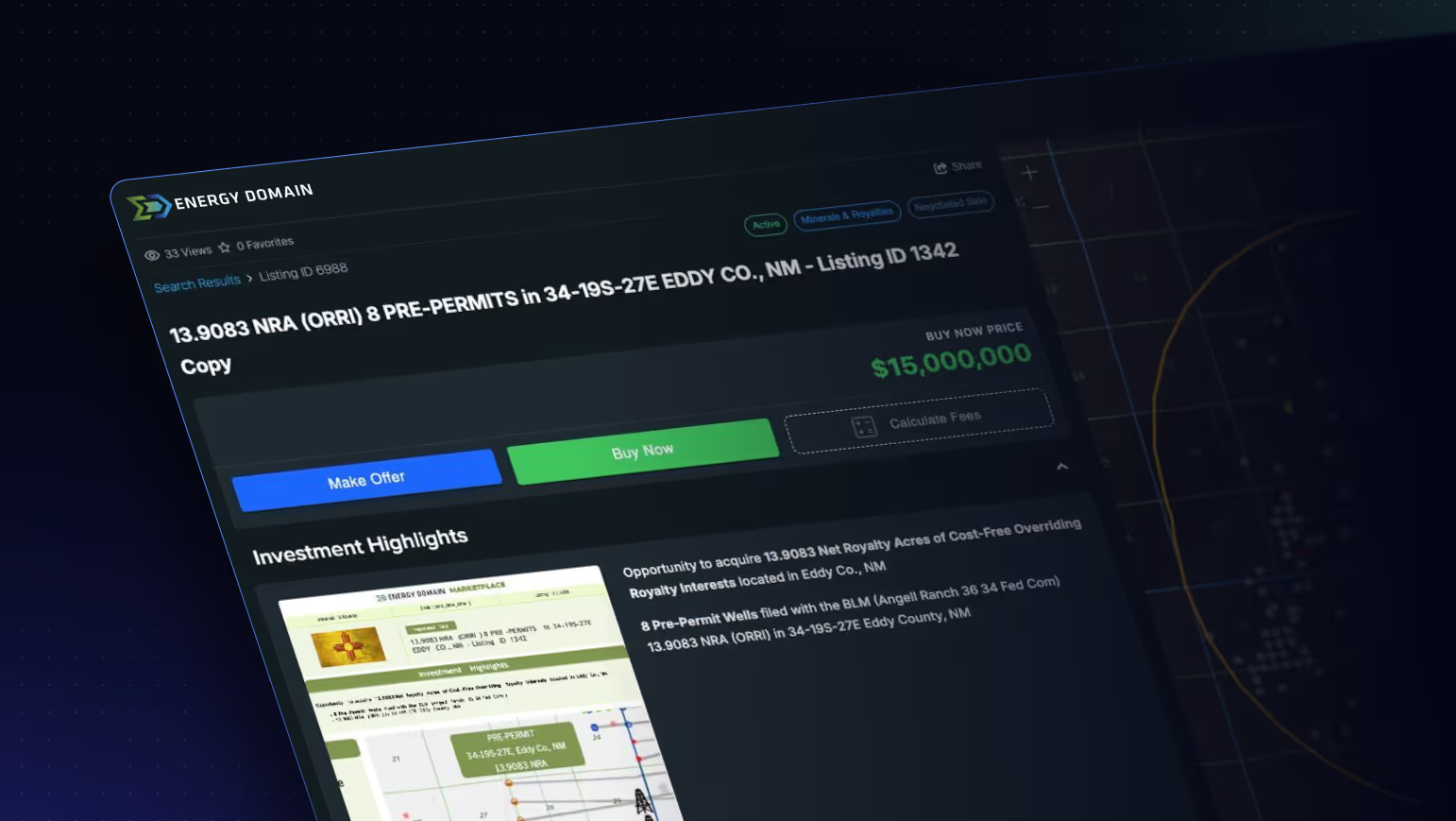
Key Fields
- Operator
- Proposed Well Name
- State, County
- Legal Description / Location
- Target Formation (as filed)
- Submission Date
- Permit Type (new drill, re-entry, recompletion)
- Total Proposed Depth
- Well Type (oil, gas)
- Filing Status (submitted, pending review)
Data Sources & Update Frequency
Sourced from state regulatory agency permit databases, primarily the Texas Railroad Commission. Updated as new filings are posted, typically within days of submission. Coverage is most comprehensive in Texas.


Who Uses This
Land Teams track pre-permits to identify competitive drilling intentions on adjacent acreage and accelerate leasing activity before approvals signal broader market awareness.
Mineral Acquirers monitor filings to identify near-term development catalysts on properties under evaluation or already in portfolio, adjusting valuations to reflect imminent drilling activity.
A&D Teams screen for development momentum in a basin or county. A cluster of pre-permits from a single operator often signals a planned program that may create acquisition or divestiture opportunities.
Operators monitor competitor filings to track offsetting development plans and adjust their own spacing, timing, and program decisions.
Why It Matters
Approved permits are lagging indicators. By the time a permit is official, the operator’s plans are locked and the land market has often already moved. Pre-permits provide the earliest public signal of development intent, days to weeks ahead of formal approval. In competitive basins, that lead time translates directly to better land positions and more informed acquisition pricing.


.png)























© 2026 Energy Domain · Fort Worth, TX