A Faster, More Capable Table Built for Real Analytical Workflows

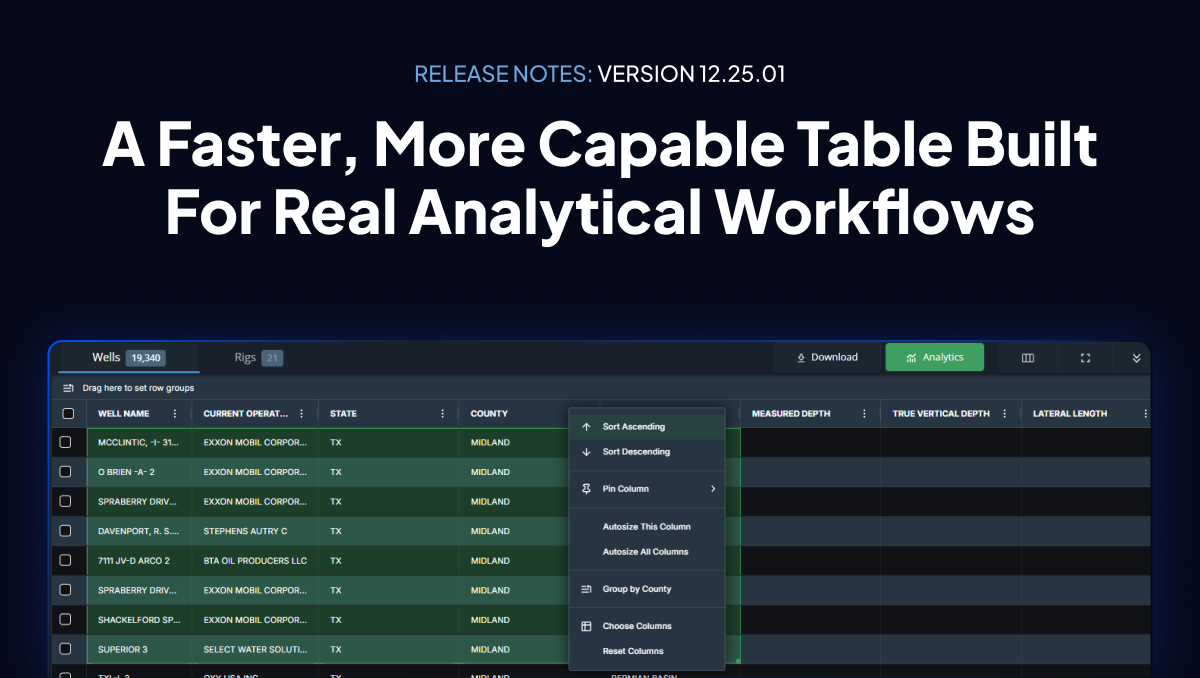
This release is centered on one goal: improving speed, usability, and analytical flexibility inside the Energy Domain Data application. Based directly on customer feedback, the new Advanced Table introduces major performance gains and new interaction capabilities that unlock workflows the previous table could not support.
Advanced Table Improvements
The new table delivers significant upgrades across load speed, interactivity, and data manipulation:
- Faster loading across large datasets
- Instant column sorting
- Draggable columns for custom arrangements
- Direct copy-paste from the table into external tools
- Multi-level grouping for structured, hierarchical views
These enhancements substantially improve how teams explore and analyze wells, permits, rigs, and production data. They also establish the foundation for upcoming features, including:
- Pivot Mode
- Built-in charting
- Additional advanced table capabilities
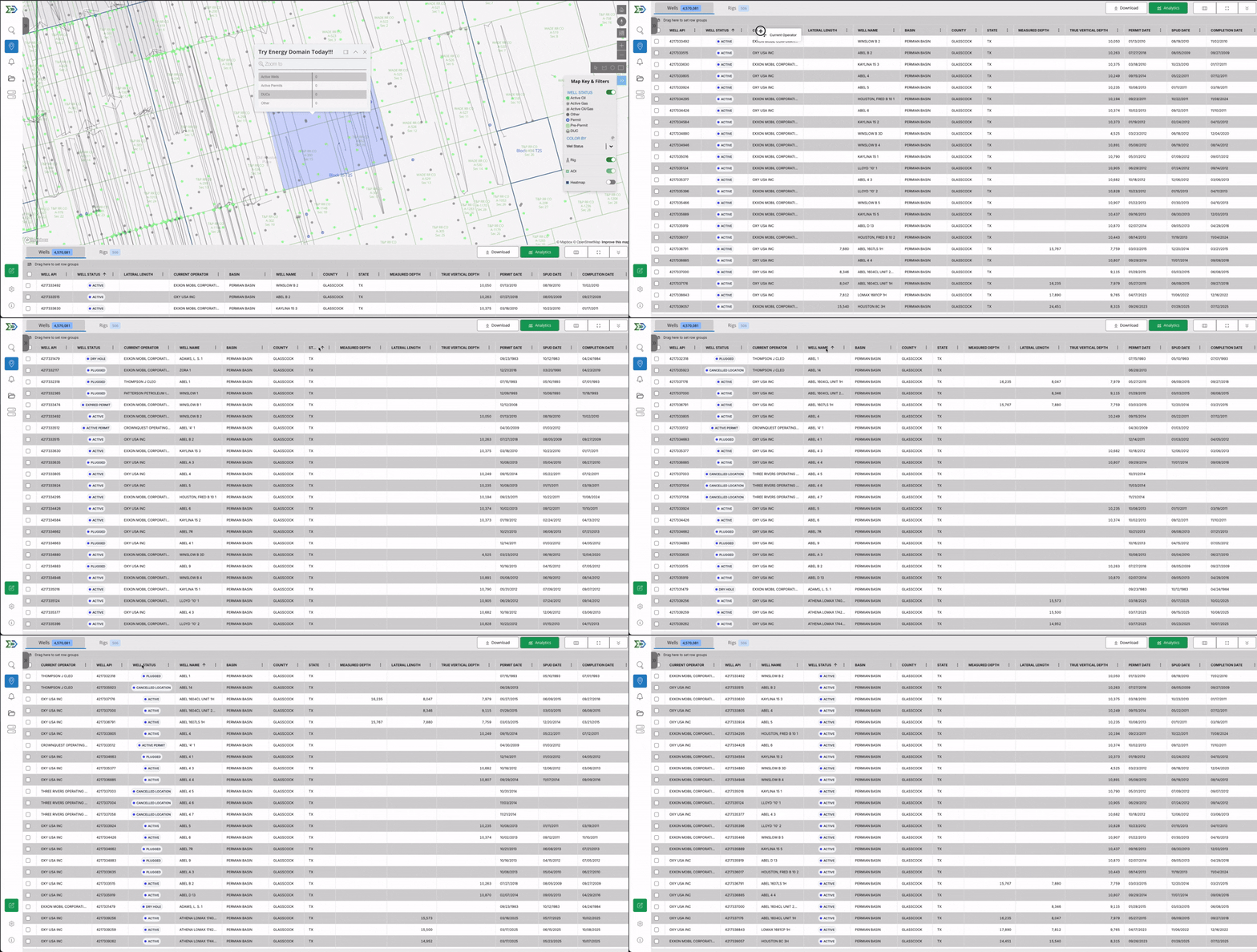
The new AG Grid table (figure 1.) noticeably accelerates real-world analytical tasks. For example, users can now group on Current Operator and Confirmed Interval, shift-select large sets of horizontal wells, and immediately pull aggregated production data—all in seconds. The table supports quick access to P10, P50, P90, or average metrics and can auto-fit type curves on the fly, enabling rapid EUR benchmarking and interval-level comparisons without exporting.
This level of responsiveness is what allows analytical workflows to happen entirely in-app.
The table now supports full control over all 96 headers via the Manage Columns panel. Users can show, hide, reorder, or group these fields however they need, making it easy to build workflows for drilling programs, spacing reviews, acquisitions, or offset performance benchmarking directly inside the application.
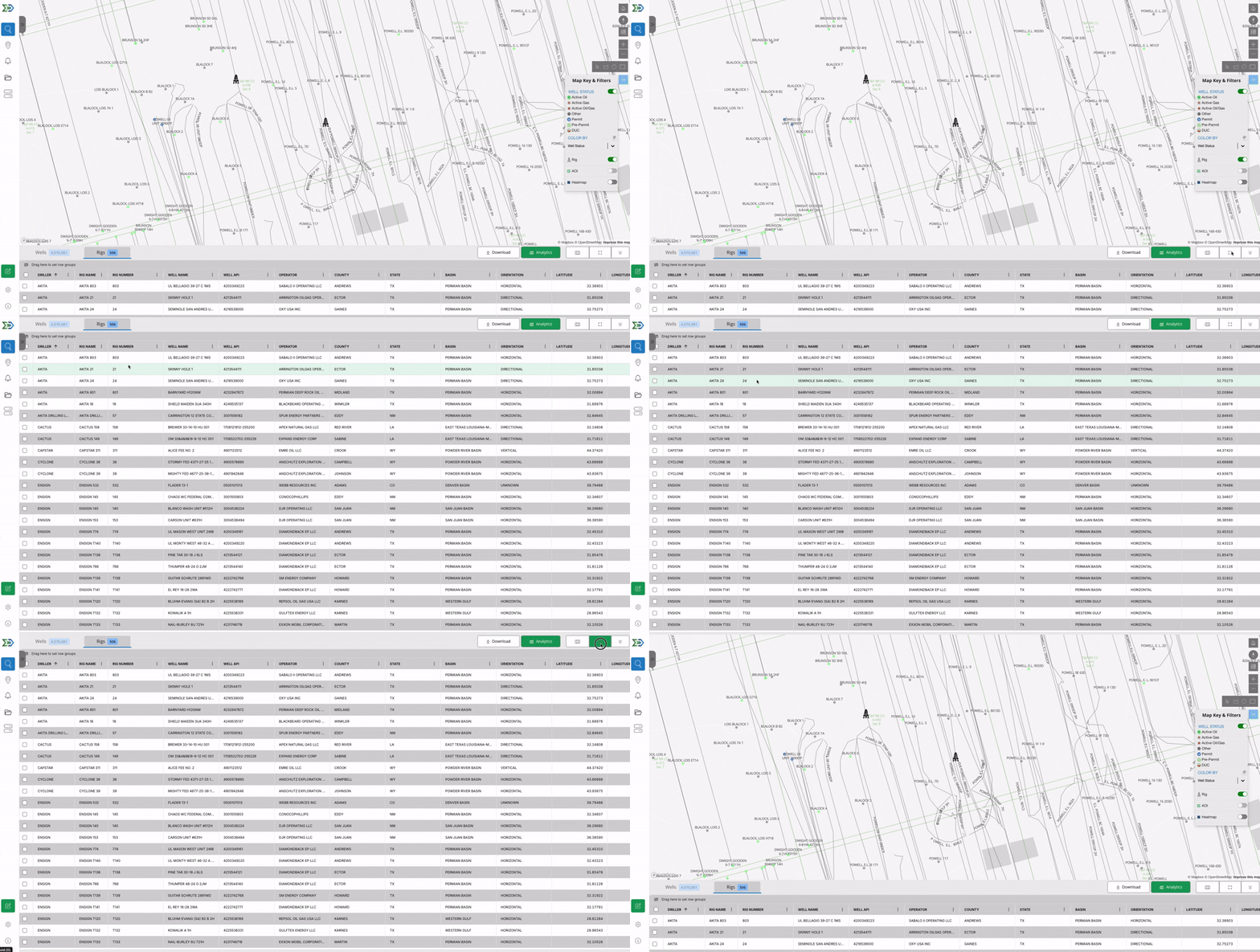
Rig Table: Added Rig Name & Rig Number
When available in the dataset, Rig Name and Rig Number now appear in the Rig Table. This provides clearer identification of the rig on location for each well and improves visibility into drilling activity. (Figure 2.)
API Filter: No More Commas Needed
The API filter has been simplified. Users can now paste 10-digit API numbers directly—no comma separation required. Enter the list and hit search.
Shapefile Importer Update
PETRA-generated shapefiles that previously failed to process are now supported. The importer has been updated to correctly handle these files.
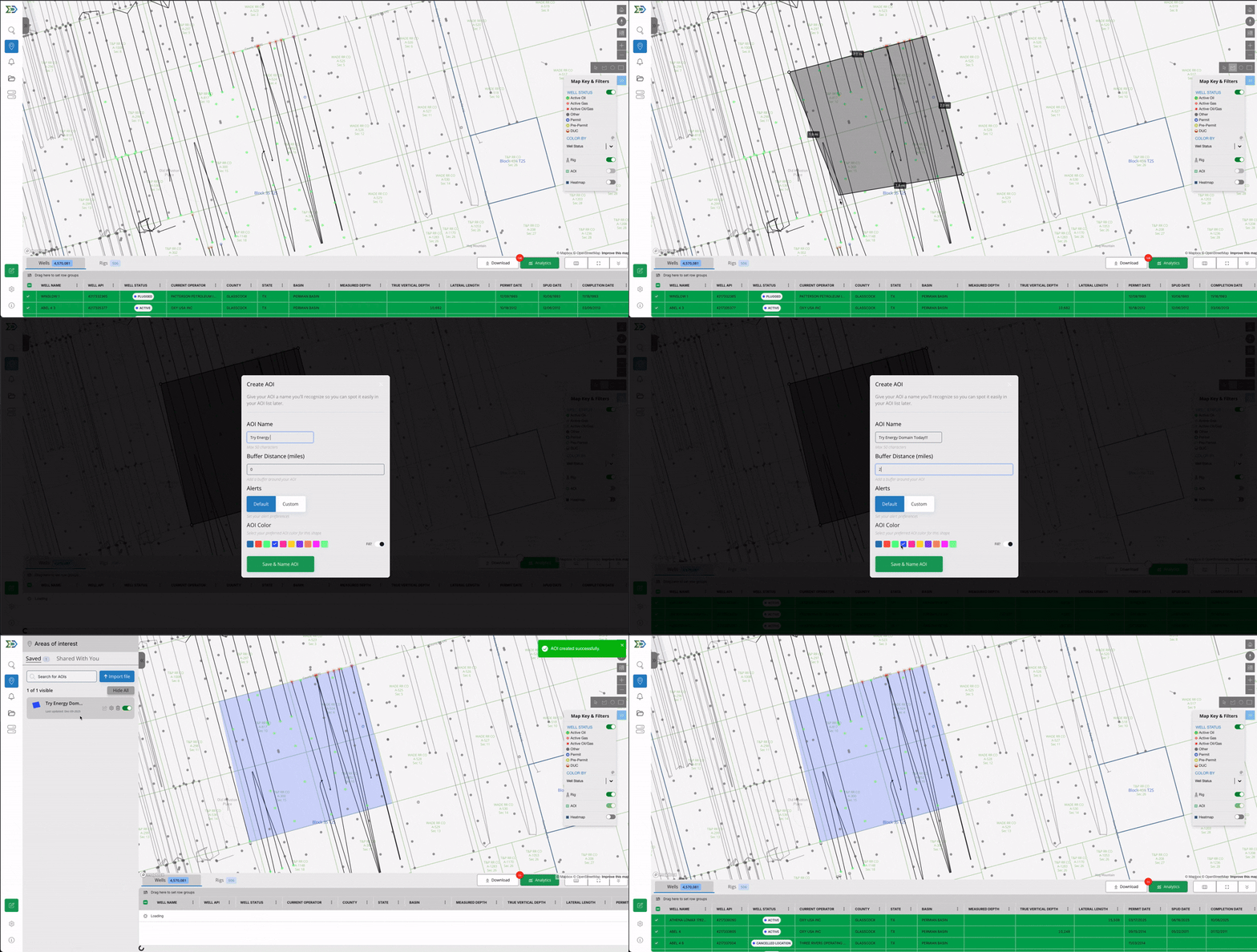
AOI Naming Improvements
Validation rules have been relaxed. AOI names may now include special characters. (Figure 3.)
Additional Enhancements You’ll Notice
The new table behaves the way technical teams expect: shift-select works like Excel, grouping expands and collapses cleanly, and direct copy/paste allows seamless movement of data into internal spreadsheets, economic models, or BI tools. This reduces friction for new users and improves efficiency for existing teams.
These updates will also be demonstrated in our early January webinar, where we’ll walk through the Advanced Table, DataStream Direct access, and API/JDBC integrations. It’s a chance to see the new workflows in action and learn how to incorporate them into engineering, land, or analytics processes.
Why This Release Matters
The Advanced Table represents a major step forward in speed, flexibility, and analytical capability. It enables more of the day-to-day evaluation and screening work that previously required offline tools. As our team put it during the release walkthrough, the table is very flexible, very fast —and it positions Energy Domain to continue shipping higher-level analytical features on top of this new foundation.
Try the New Features
If your team wants a walkthrough of the new Advanced Table—or guidance on how to integrate these updates into your daily workflows—schedule a quick demo or start a free 7-day trial at energydomain.com/data.